

































Covert
★ Bowie Knife
Bright Water
FT0.2129
2,472.42 ₺

 LOL 100 USD Riot Access NA - USD
₺4,708.43
LOL 100 USD Riot Access NA - USD
₺4,708.43
LOL 100 USD Riot Access NA - USD
₺4,708.43
LOL 100 USD Riot Access NA - USD
₺4,708.43 LOL 50 USD Riot Access NA - USD
₺2,354.21
LOL 50 USD Riot Access NA - USD
₺2,354.21 LOL 35 USD Riot Access NA - USD
₺1,648.34
LOL 35 USD Riot Access NA - USD
₺1,648.34 LOL 25 USD Riot Access NA - USD
₺1,177.10
LOL 25 USD Riot Access NA - USD
₺1,177.10 LOL 20 USD Riot Access NA - USD
₺942.47
LOL 20 USD Riot Access NA - USD
₺942.47 LOL 10 USD Riot Access NA - USD
₺471.23
LOL 10 USD Riot Access NA - USD
₺471.23 LOL 5 USD Riot Access NA - USD
₺235.61
LOL 5 USD Riot Access NA - USD
₺235.61 Valorant 8900 VP
₺2,318.39
Valorant 8900 VP
₺2,318.39 Valorant 4325 VP
₺1,163.92
Valorant 4325 VP
₺1,163.92 Valorant 2925 VP
₺804.34
Valorant 2925 VP
₺804.34 Valorant 1700 VP
₺473.14
Valorant 1700 VP
₺473.14 Valorant 825 VP
₺236.57
Valorant 825 VP
₺236.57 Valorant 375 VP
₺113.55
Valorant 375 VP
₺113.55 13500 Eu West RP
₺5,322.83
13500 Eu West RP
₺5,322.83 6500 Eu West RP
₺2,661.42
6500 Eu West RP
₺2,661.42 4500 Eu West RP
₺1,862.99
4500 Eu West RP
₺1,862.99 3190 Eu West RP
₺1,330.71
3190 Eu West RP
₺1,330.71 2540 Eu West RP
₺1,064.57
2540 Eu West RP
₺1,064.57 1240 Eu West RP
₺532.28
1240 Eu West RP
₺532.28 575 Eu West RP
₺266.14
575 Eu West RP
₺266.14 290 Eu West RP
₺133.08
290 Eu West RP
₺133.08 LOL 10875 Riot Points
₺2,318.57
LOL 10875 Riot Points
₺2,318.57 LOL 5295 Riot Points
₺1,164.23
LOL 5295 Riot Points
₺1,164.23 LOL 3625 Riot Points
₺804.86
LOL 3625 Riot Points
₺804.86 LOL 2105 Riot Points
₺473.21
LOL 2105 Riot Points
₺473.21 LOL 1005 Riot Points
₺236.60
LOL 1005 Riot Points
₺236.60 LOL 460 Riot Points
₺113.84
LOL 460 Riot Points
₺113.84 Valorant 11,000 VP - 100 USD
₺5,322.83
Valorant 11,000 VP - 100 USD
₺5,322.83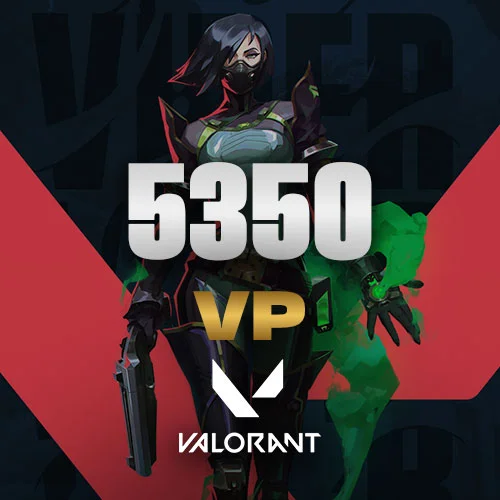 Valorant 5,350 VP - 50 USD
₺2,661.42
Valorant 5,350 VP - 50 USD
₺2,661.42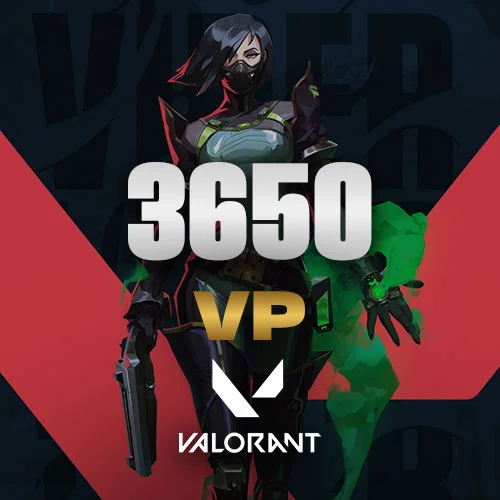 Valorant 3,650 VP - 35 USD
₺1,862.99
Valorant 3,650 VP - 35 USD
₺1,862.99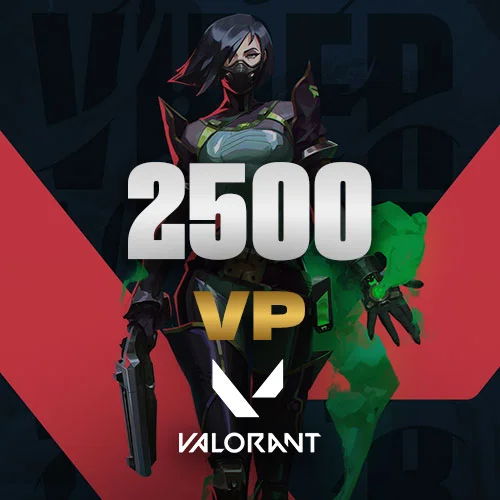 Valorant 2,500 VP - 25 USD
₺1,330.71
Valorant 2,500 VP - 25 USD
₺1,330.71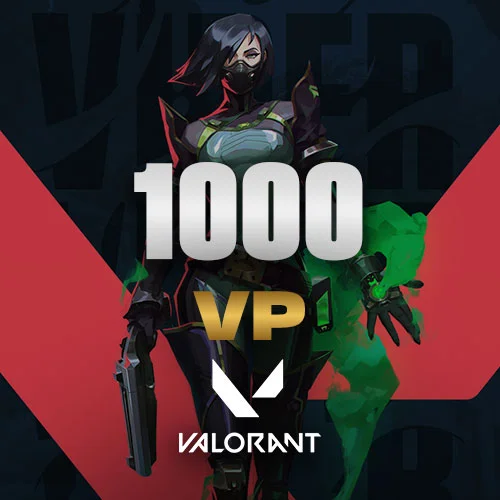 Valorant 1,000 VP - 10 USD
₺532.28
Valorant 1,000 VP - 10 USD
₺532.28 Valorant 475 VP - 5 USD
₺266.14
Valorant 475 VP - 5 USD
₺266.14 Valorant 11000 VP - 100 EURO
₺5,322.83
Valorant 11000 VP - 100 EURO
₺5,322.83 Valorant 5,350 VP - 50 EURO
₺2,661.42
Valorant 5,350 VP - 50 EURO
₺2,661.42 Valorant 2,050 VP - 20 EURO
₺1,064.57
Valorant 2,050 VP - 20 EURO
₺1,064.57 Valorant 1,000 VP - 10 EURO
₺532.28
Valorant 1,000 VP - 10 EURO
₺532.28 Valorant 475 VP - 5 EURO
₺266.14
Valorant 475 VP - 5 EURO
₺266.14 Valorant 225 VP - 2.5 EURO
₺133.08
Valorant 225 VP - 2.5 EURO
₺133.0848 active listings




















The skins here are listings that players post from their own Steam inventories. When you buy, your payment goes to Knightpin, not to the seller, and waits there until the trade is complete.
Every copy of the same skin is different. The following details aren’t written by the seller; they are read from Steam:
The “Inspect in Game” button in the listing opens the skin in CS2, so you can see the wear yourself before you buy.
Steam puts CS2 items received in a trade under protection for 7 days. During this time you can use the skin in the game, but you can’t trade it to someone else, sell it on the Steam Community Market or exchange it. Within the same 7 days, either side of the trade can reverse it: the skin goes back to its previous owner, and the account that started the reversal can’t trade or use the market for 30 days.
That’s why the seller’s payment stays on hold for 8 more days after the order is completed. If the trade is reversed in that time, the parties report it from the order page; the payment doesn’t go to the seller until our team has checked the Steam trade history and made a decision.
On the Sell skins page you add your Steam trade URL; the tradable skins in your inventory are listed, and you list the skins you price in one go.
When a skin sells, within 12 hours you choose the account holding the skin on the order page and send a trade offer to the buyer’s account. Orders not delivered in time are cancelled, and you can’t list that skin again for a while.
Offers that buyers make below the price land on the Skin Offers screen; an offer you accept within 1 hour becomes a sale.
No. Steam puts CS2 items received in a trade under protection for 7 days; during this time you can use the skin in the game but can’t trade it or sell it on the Steam Community Market.
The seller has 12 hours to deliver. When the time runs out, if the skin is still in the seller’s inventory, your payment is refunded to your balance; if the skin has left the inventory, our team checks the Steam trade record and decides.
When the seller chooses the sending account, your order page shows that Steam account’s name and SteamID. Only accept an offer from that account; an offer from another account with a similar name is a scam attempt. The offer should never ask you for any item.
The seller’s payment stays on hold for 8 days after the order is completed. If the seller reverses the trade, the buyer reports it from the order page; if the buyer reverses it, the seller does. Our team checks the Steam trade record; the payment doesn’t go to the seller until the review is finished.
If it’s confirmed that the seller reversed it, the full payment is refunded to the buyer, the seller’s skin listings are removed and the seller can’t sell skins for 7 days. If it’s confirmed that the buyer reversed it, the order is closed because the skin has gone back to the seller: 65% of the payment is refunded to the buyer, 25% goes to the seller as compensation and 10% is kept as a service fee. The Steam account that reversed the trade also can’t trade for 30 days on Steam’s side.
Yes. With Make an offer on the listing page you can offer at least 80% of the listing price. The offer amount is held from your balance; if the seller accepts within 1 hour, the order is created automatically, and if they don’t accept or you cancel the offer, the amount goes back to your balance.
The fee is deducted from the sale amount. The rate and the net amount you’ll receive are shown under each skin you price on the Sell skins page.
The order completes when the buyer confirms receipt, or 24 hours after you report delivery if there’s no dispute. The amount then stays on hold for 8 days before it moves to your withdrawable balance.
Payment, delivery times and refund terms: delivery terms · If something goes wrong: complaints and dispute resolution.