














































































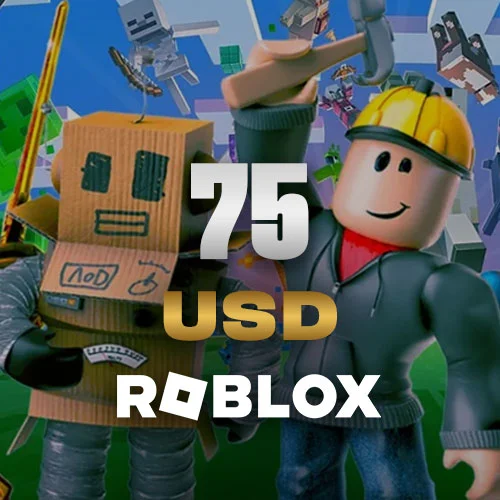
Roblox USA 75 USD
Roblox 75 USD Gift Card (US): instant balance on your account for Robux and Premium. Secure payment and fast delivery at Knightpin.
Roblox USA 75 USD - Details
What Is the Roblox 75 USD Gift Card (US)?
The Roblox 75 USD Gift Card (US) is a US gift card that adds 75 USD of Roblox Credit to your Roblox account. You can use this credit to buy Robux or get a Premium subscription.
Roblox is a huge online game and experience platform played and built by millions of users. Robux is the platform's virtual currency. With Robux you can buy avatar items (hats, faces, gear, bundles), limited items, game passes and developer products, and unlock extra perks in the experiences you love. The gift card balance is added as Roblox Credit, which can be used to buy Robux or a Premium subscription. Typically, 10 USD gets you about 800 Robux; Premium members get more Robux for the same amount.
What Can You Get with 75 USD?
75 USD gives you a large Robux balance and a generous budget for rare/limited items, multiple game passes and long-term spending. You can spend Robux on your avatar, limited items and game passes, or choose a Premium subscription for extra Robux and perks every month.
How to Redeem a Roblox Gift Card
- In a browser, go to roblox.com/redeem and log in to your Roblox account.
- Enter the code in the field and click "Redeem". The amount is added to your account as Roblox Credit.
- Use this credit to buy Robux or get a Premium subscription. When you redeem, you may also receive a limited-time item.
Note: Codes cannot be redeemed in the mobile app or on consoles; a browser is required. These cards are loaded as a US (USD) balance, so make sure your account's region/currency settings are compatible.
Why Buy from Knightpin?
With secure payment infrastructure, verified sourcing and fast code delivery after payment, you can buy your gift card with confidence. Compare different amounts on the Roblox page and get help from our 24/7 support.
Frequently asked questions
A large Robux balance and a generous budget for rare/limited items, multiple game passes and long-term spending. The balance is added as Roblox Credit and can be used for Robux or Premium.
In a browser, go to roblox.com/redeem, log in, enter the code and click 'Redeem'. The amount is added as Roblox Credit; codes cannot be redeemed in the mobile app or on consoles.
You can get either with the credit. Robux is a one-time purchase; Premium offers perks such as monthly bonus Robux, trading and discounts.
Once payment is confirmed, the code is sent automatically; sourcing is verified and 24/7 support is here to help.