
































































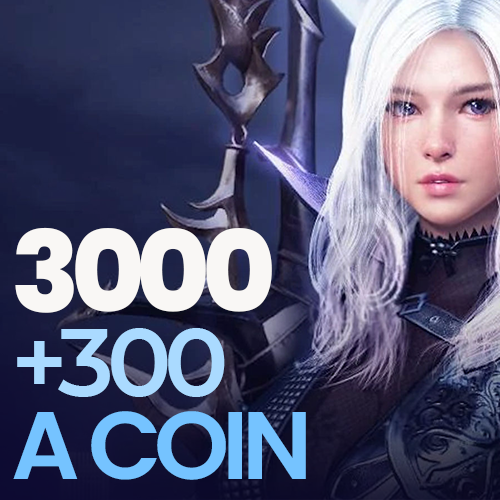
Black Desert 3,000 + 300 Acoin (TR/MENA)
3,000 + 300 bonus = 3,300 Acoin. You can convert it to Pearls in the in-game store of Black Desert Turkey/MENA. It does not work on the Steam version.
Black Desert 3,000 + 300 Acoin (TR/MENA) - Details
What does Black Desert 3,000 + 300 Acoin (TR/MENA) give you?
The code adds 3,300 Acoin to your account: 3,000 Acoin plus a 10% bonus of 300. You convert Acoin to Pearls in the in-game store, then use Pearls to buy items from the Pearl Shop, such as costumes, pets, Value Packs and inventory expansions.
The Pearl prices of store items can change from time to time. Check the in-game store to see how many Pearls the item you want costs. If you are short, you can make up the difference with a small Acoin pack.
How to use
- Log in to the official Black Desert Turkey/MENA website with your Pearl Abyss account.
- In the Shop section, open the option to top up with an e-pin.
- Enter the code and confirm.
If the top-up screen asks you to choose an e-pin provider, our support team will tell you which option to select.
Things to note
- The code only works on official client accounts in the Turkey and MENA region. You cannot use it on the Steam version.
- The code can be used only once.
- Codes are delivered from stock. Once your payment is approved, the code appears on the My Orders page.
Other packs
You can find all Acoin and TRY Credit packs on the Black Desert Acoin page.
Frequently asked questions
No. The code only works on official client accounts in the Turkey and MENA region. You cannot use it on the Steam version.
Once the Acoin is added to your account, you convert it to Pearls in the in-game store. You then spend Pearls in the Pearl Shop.
Log in to the official Black Desert Turkey/MENA website with your Pearl Abyss account. In the Shop section, open the option to top up with an e-pin and enter the code. If you are asked to choose a provider, our support team will tell you which option to select.
Codes are delivered from stock. Once your payment is approved, the code appears on the My Orders page.